How to Download the MyChart App
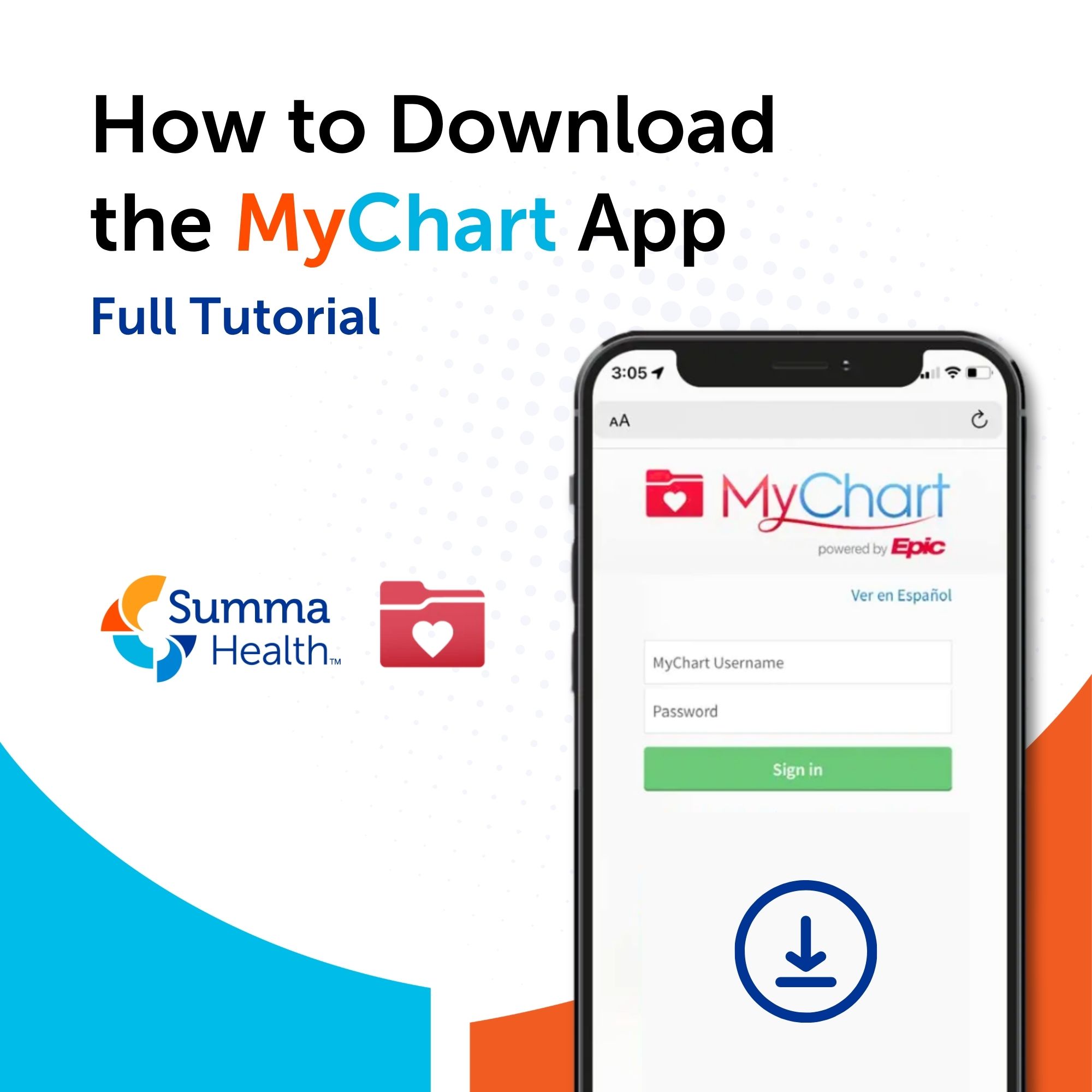
The MyChart mobile app puts your Summa Health patient portal right in your pocket. With the free app, you can view test results, message your care team, check in for appointments and manage your health — anytime, anywhere.
What is the MyChart App?
MyChart is a secure, free patient portal app developed by Epic Systems and used by Summa Health. It gives patients 24/7 access to their health information without needing to call the office. The app is available for both iPhone (iOS) and Android devices.
How to Download the MyChart App
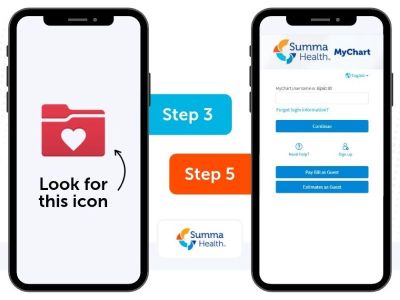
To learn how to download the MyChart app, watch the video or follow the step-by-step instructions below.
For iPhone (iOS):
- Open the App Store on your iPhone or iPad.
- Search for "MyChart" in the search bar.
- Tap the red and white MyChart app developed by Epic Systems.
- Tap "Get" and confirm with Face ID, Touch ID or your Apple ID password.
- Once installed, open the app and search for "Summa Health" to connect to your account.
- Log in using your existing MyChart username and password.
For Android:
- Open the Google Play Store on your Android device.
- Search for "MyChart".
- Tap the MyChart app by Epic Systems.
- Tap "Install" and wait for the download to complete.
- Open the app and search for "Summa Health".
- Sign in with your MyChart credentials.
Don't have a MyChart Account yet?
If you're a new MyChart user, you can create an account directly through the app or by clicking below:
You may also receive an activation code from Summa Health after your next visit — use that code to set up your account in minutes.
Features Available on the MyChart Mobile App
Once logged in to the Summa Health MyChart app, you can:
- View upcoming appointments and check in online
- Read lab results and after-visit summaries
- Send and receive secure messages with your care team
- Request prescription refills
- Pay medical bills
- Manage proxy access for family members
Switch between linked patient accounts
Frequently Asked Questions
Q: Is the MyChart app free?
A: Yes. The MyChart app is free to download and use for all Summa Health patients.
Q: Is MyChart secure?
A: Yes. MyChart uses encryption and password protection to keep your health information private and secure.
Q: What if I forget my MyChart password?
A: Tap "Forgot Password?" on the login screen to reset it via email or text message.
Q: Can I use MyChart on a tablet?
A: Yes. MyChart is compatible with both iPad and Android tablets.

About the author

Vitality General Wellness eNews Sign Up
Receive the Summa Health eNewsletter for the latest health tips, advice and updates.